

Boox Go Color 7 Review: Battery Life, Real-World Use & 9 Honest Thoughts
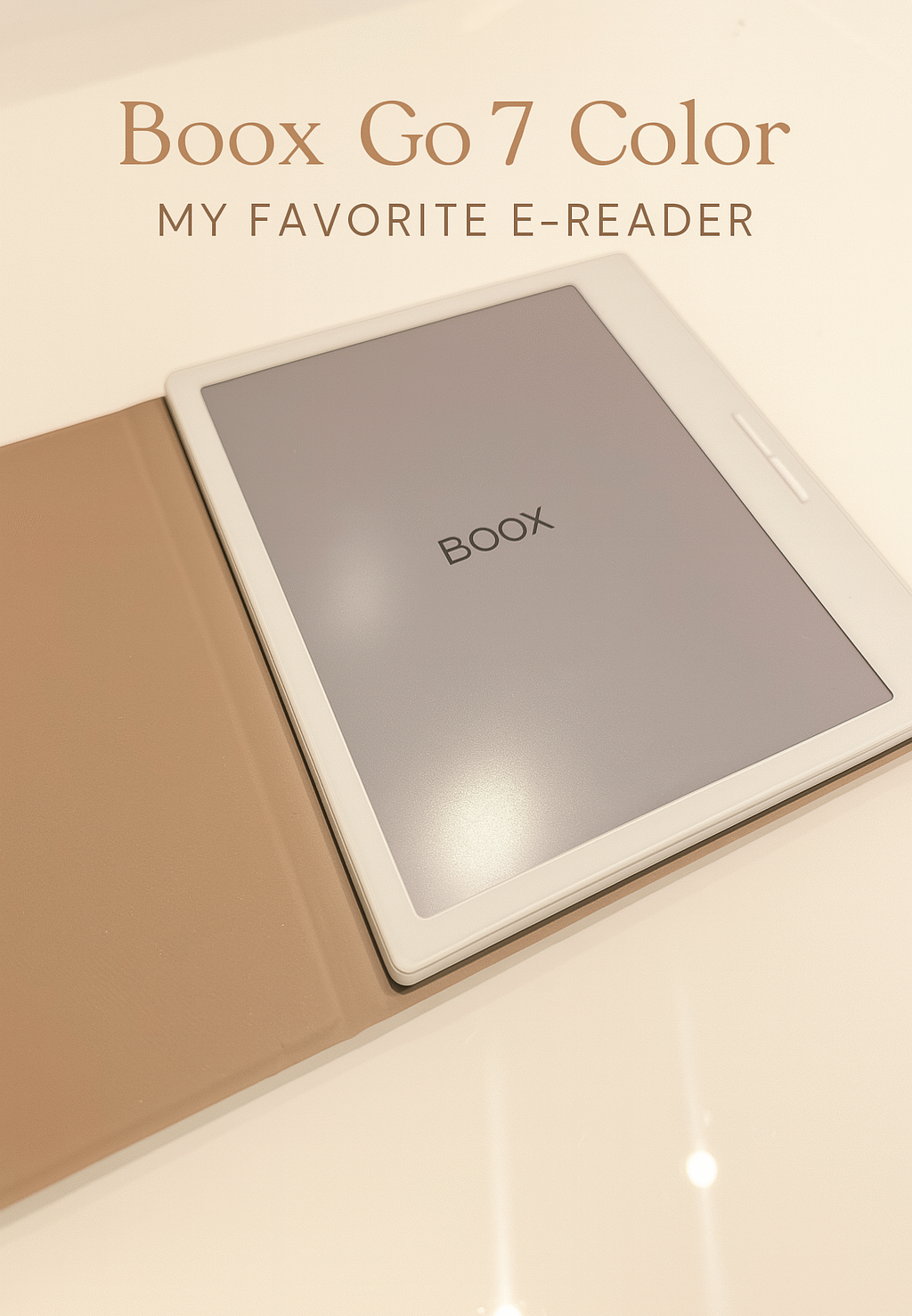
This Boox Go Color 7 review is for anyone considering a more flexible, everyday e-reader that goes beyond the basics. With its compact size and color display, it feels like a promising upgrade from traditional black-and-white devices — but before buying, it’s worth looking a little closer.
The question I get most is about battery life, so let me answer it upfront: using it on and off, I went nearly three months without charging. Is the color screen practical for reading, or more of a novelty? And does the overall experience feel simple — or slightly overwhelming?
After a few months of real use, I’ve had time to notice both the strengths and the small frustrations that don’t always show up in first impressions.
This post is all about an honest Boox Go Color 7 review, including real-life use, battery life, and whether it’s the right e-reader for your routine.
1. Compact, Lightweight & Modern Build
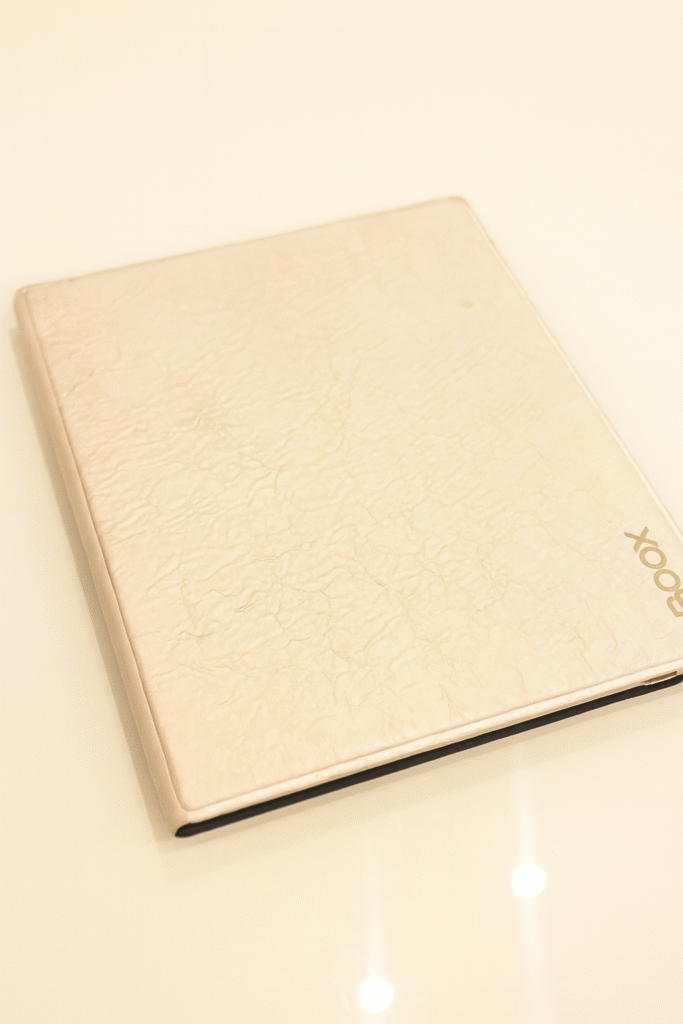
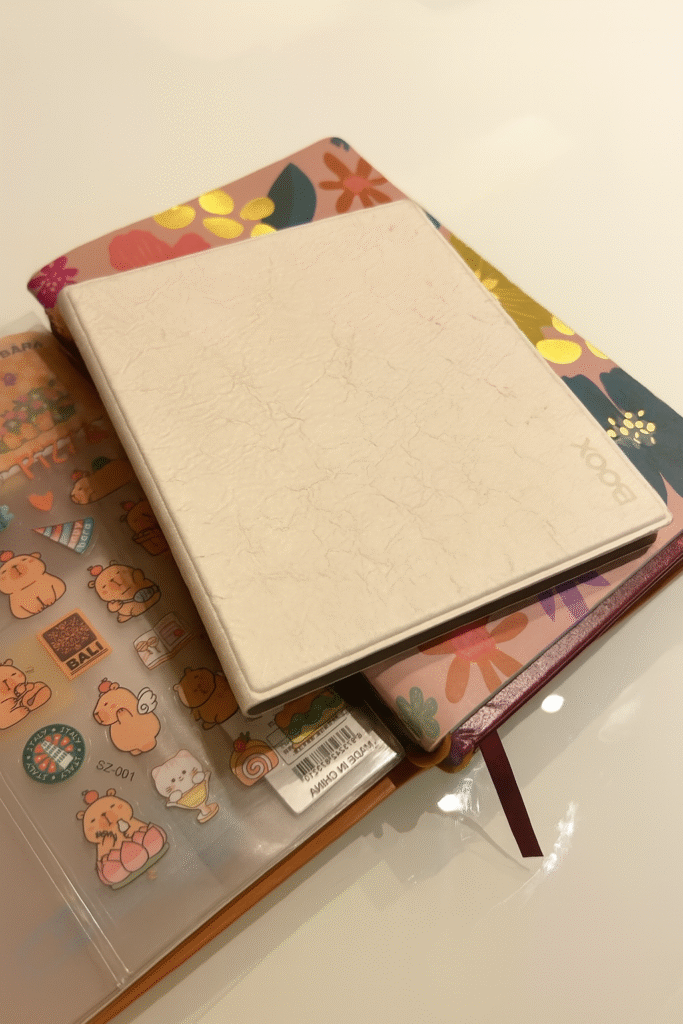
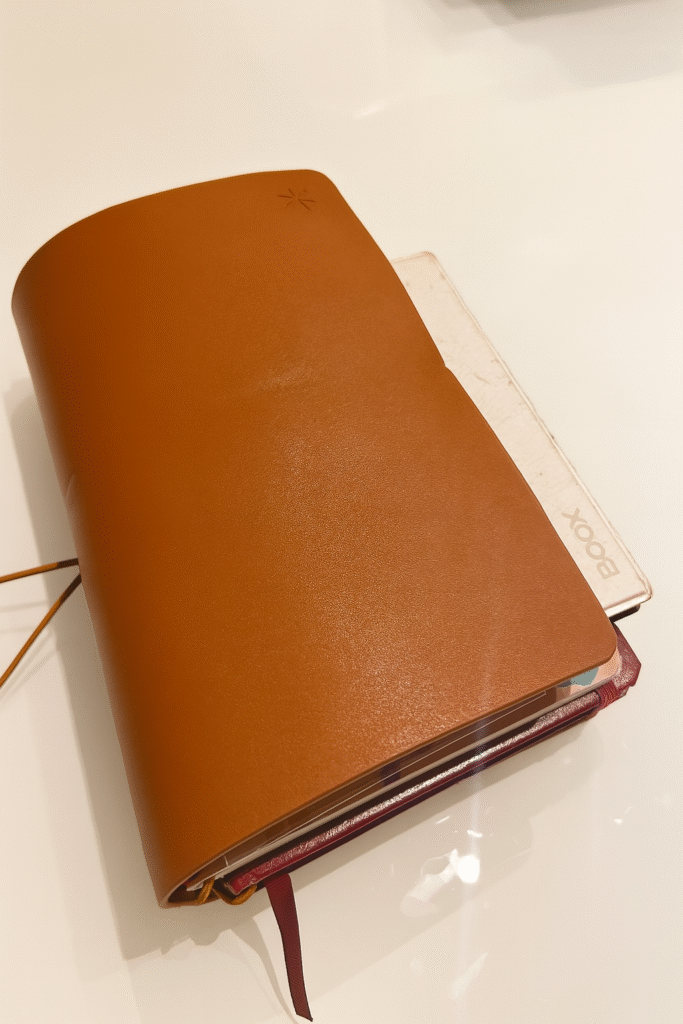
- Design: The white Boox Go 7 Color feels fresh and modern. Its magnetic case provides protection without bulk—great for slipping into business or travel bags.
- Portability: Weighing just a few ounces, it fits comfortably between journal pages, making it an ideal companion on the go.
- Practicality: Page-turn buttons on the sides offer a comfortable, tactile experience—especially during long reading sessions.
2. Customizable Welcome Screen
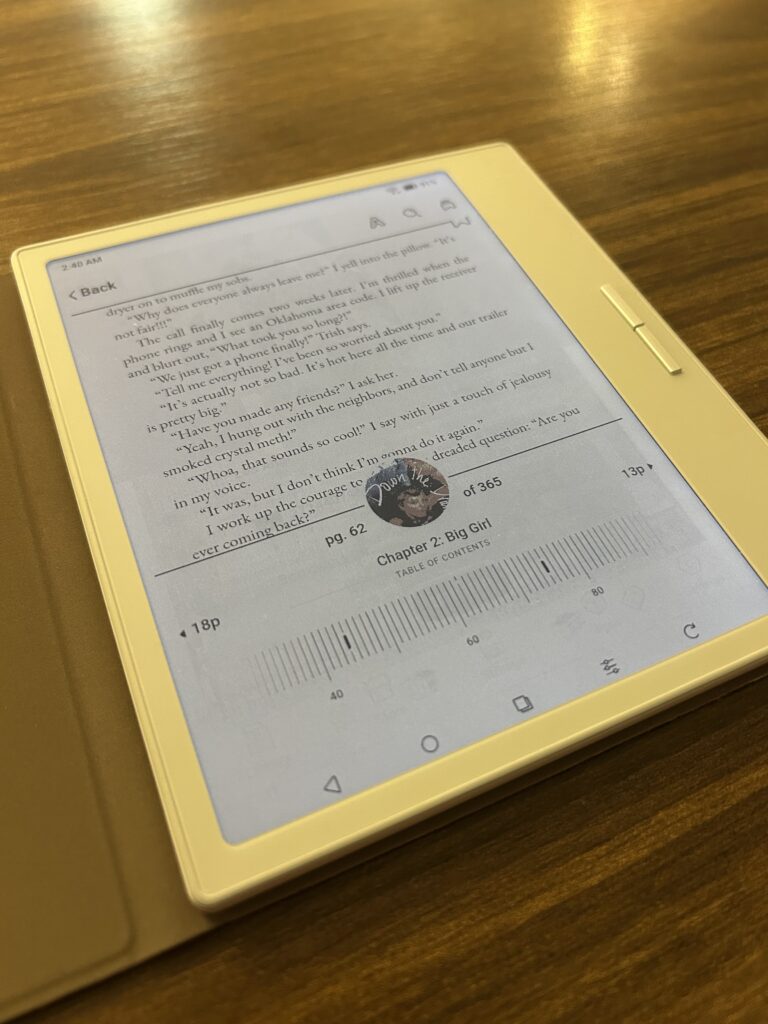
You can customize the opening screen with your favorite artwork or leave the lovely default image. It’s a small personalization that enhances the cozy feel of each reading session.
3. Software Freedom—Why I Chose Boox
Open Android Ecosystem
One key differentiator highlighted in this Boox Go Color 7 review is the ability to install nearly any app. You’re not locked into a single ecosystem—use Kindle, Libby, Kobo, Google Drive, and more.
This versatility has made a big impact in my daily routines.
Ideal for Students & Multitaskers
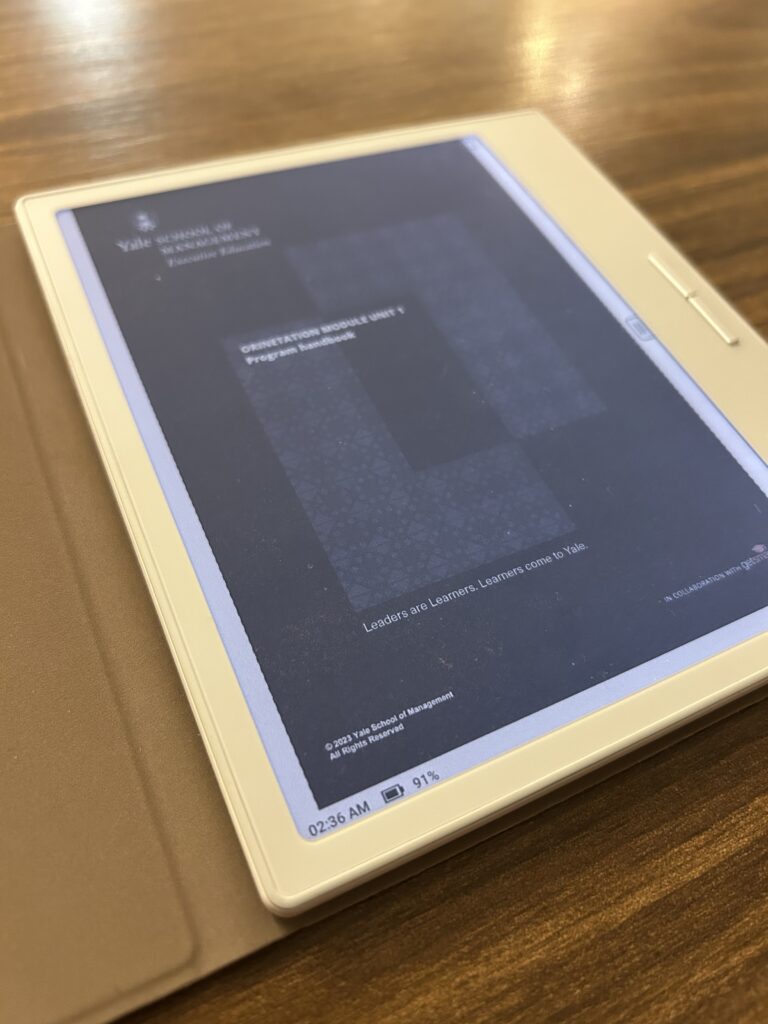
I’m currently taking a Yale course with PDFs for lectures. Uploading them via BooxDrop, I can read scalably on-device—no printing involved. There’s also a built-in browser, calendar, and calculator. In short, the device feels like a simplified tablet with e-ink comfort.
4. Color Display—Worth the Investment?
Real-World Color Quality
The color screen isn’t ultra-vibrant—it resembles an old newspaper, slightly grainy and muted. However, it does enhance visual reading experiences:
- Book covers
- Illustrations
- Study materials or presentation-heavy PDFs
If color pops aren’t critical, the monochrome Go 7 is budget-friendly. Yet for me, those touches of color have been worth it.
5. Boox Go 7 Battery Life—What You Should Know
One of the biggest questions I had before buying was the Boox Go Color 7 battery life—especially since color screens and Android devices tend to drain faster than traditional e-readers.
After a few months of varied, real-life use, here’s what it actually looks like:
Casual use (light, occasional reading)
If you’re picking it up now and then—reading a few pages, checking notes, or using it a couple of times a week, the battery lasts surprisingly long. In my case, I went nearly three months without needing to charge it.
Heavier use (daily reading, apps, PDFs)
With more consistent use, especially if you’re switching between apps, reading PDFs, or keeping Wi-Fi on, you’ll notice the battery draining more quickly. That’s expected, since the color display and Android system require more power.
Realistic expectations
The Boox Go Color 7 battery life isn’t quite at the Kindle level, where you can forget about charging for weeks. But for most people, students, casual readers, or anyone using it a few times a week, it still feels more than enough and doesn’t require constant charging.
Simple Ways to Extend Battery Life
If you want to make the battery last even longer, a few small habits make a noticeable difference:
- Dim the front light when reading indoors
- Turn off Wi-Fi or use airplane mode during focused reading sessions
- Close unused apps running in the background
These small adjustments help stretch the Boox Go Color 7 battery life and make the overall experience feel much more low-maintenance.
What I’m Reading on My Boox
Because Boox is so flexible, I use multiple apps and formats:
- Kindle: I’m reading A Força do Ritual by Michael Norton (also available in English), and a Japanese language book for my upcoming trip.
- Libby: I’m reading Down the Drain by Julia Fox. It’s raw, entertaining, and surprisingly insightful.
- PDFs: I’m using the Boox for my Yale course and reading all the class materials directly on the device.
I also downloaded The 48 Laws of Power just to see what the hype was about, but I didn’t get too far—it’s not for everyone.
6. Boox vs. Other E-Readers
Kindle & Kobo
- Pros: Exceptional battery longevity, optimized reading apps, sleek library integration.
- Cons (compared to Boox): Closed ecosystems—no sideloading, no apps, limited formats.
Boox Go Color 7
- Pros: APK install support, color screens, file versatility, built-in productivity tools.
- Cons: Slightly heavier than monochrome options, less battery runtime for heavy users.
7. Who It’s Ideal For
- Students & researchers—thanks to PDF handling and annotation.
- Multi-format readers—those who switch between Kindle, audiobooks, PDFs, and more.
- Visual readers—if you enjoy non-text content like comics, cookbooks, or illustrated guides but don’t need vivid color.
8. Consider Before You Buy
- Are you a heavy daily reader?
If yes, the battery might need frequent charging—especially with color settings and background apps. For light to moderate use, the battery is exceptional. I personally went 3 months without charging. - Do you prefer fully sealed ecosystems?
If not, the Freedom of Android apps may not matter to you. - Is portability your top priority?
The Go 7 is compact and lighter than a Kindle Paperwhite.
9. Pricing & Where to Buy
I purchased my Boox Go 7 Color directly from the official Boox website for $249.99 USD, and it came with a sleek magnetic case included at no extra cost. If you’re located in Brazil, the device is available for around R$1699.
Considering the versatility, long battery life, and open Android platform, the price feels like a smart investment, especially for readers who juggle multiple platforms or rely on PDFs for learning and productivity.
Final Thoughts
This Boox Go Color 7 review proves the device is more than just an e-reader—it’s a smart, adaptable reading companion. Whether you’re:
- Studying for a course
- Reading across Kindle, Libby, or PDFs
- Traveling light and tech-efficient
…it keeps up without tying you to one system.
It’s beautifully designed, portable, and practical. If you’re seeking a Kindle alternative that offers more freedom and richer features, the Boox Go 7 Color might just be the best e-reader for your lifestyle.
Read More
Why Focusing on Your Strengths with Ikigai Concept Can Transform your Workday
Embrace a Slow Morning: My 4-Hour Slow Morning Routine to Start the Day with Intention